Browser version
Keep Chrome, Safari or Firefox updated to a recent release. Older browser builds may block the WebGL layer that live casino streaming relies on.
The gy777 mobile experience runs directly in your browser — slots, live casino tables, and cricket-led sports betting load fast on both Android and iOS without a separate download. Access depends on local law and is available where eligible regions permit.

Most modern smartphones handle the mobile lobby without any adjustment — here is what to verify if something does not load as expected on your device.
Keep Chrome, Safari or Firefox updated to a recent release. Older browser builds may block the WebGL layer that live casino streaming relies on.
The interface is designed for screens from 5 inches upward. Tablet layouts reflow to a wider grid automatically — no separate tablet mode needed.
A verified gy777 account with a confirmed mobile number is required before any game or wallet function is accessible on mobile.
The lobby and game loader both require JavaScript. Check that your browser has not disabled it under privacy or content-blocking settings.
For the live list of tested devices and browser versions, check the support section of your account or contact the gy777 support team directly.

Getting into the gy777 mobile lobby takes under a minute. Open your phone browser — Chrome on Android and Safari on iOS both work without any extra configuration. Type the current gy777 address into the address bar, then bookmark it or use your browser's 'Add to Home Screen' option so it behaves like an installed app shortcut. Sign in with your account
credentials or complete the quick OTP verification the first time you log in from a new device. Once you are in, head to account settings to enable biometric login for faster re-entry. If gy777 makes a native app build available in future, the download path and verified source will be listed on this page — do not install APK files from third-party
sources.
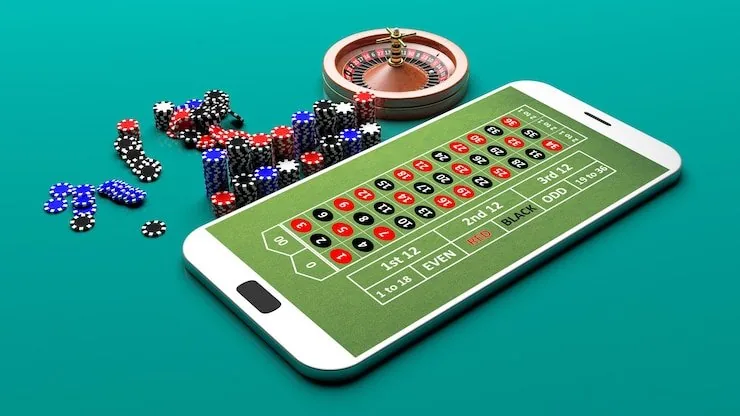
Open the lobby on your phone and you get the same game catalogue as desktop — Pragmatic Play slots, Evolution live tables, and crash titles like Aviator sit inside a single scrollable interface. Push notifications keep you updated on rounds you have active. Quick deposit puts your JazzCash or Easypaisa payment two taps away from any screen. Fingerprint login skips the password
step entirely once you have set it up in account settings. Players in Lahore or anywhere with a stable mobile connection reach the live baccarat tables in seconds. The mobile interface reorganises itself around a smaller screen rather than just shrinking the desktop layout, so the betslip, game grid and wallet chip row all stay within thumb reach.
Four things set the mobile experience apart from a standard browser tab — here is what each one does for your session on gy777.
Answers to the questions we hear most often about accessing gy777 on mobile.
Service availability depends on eligible regions and local law. Users should check local rules before opening an account.
Access may be available only where local law permits.